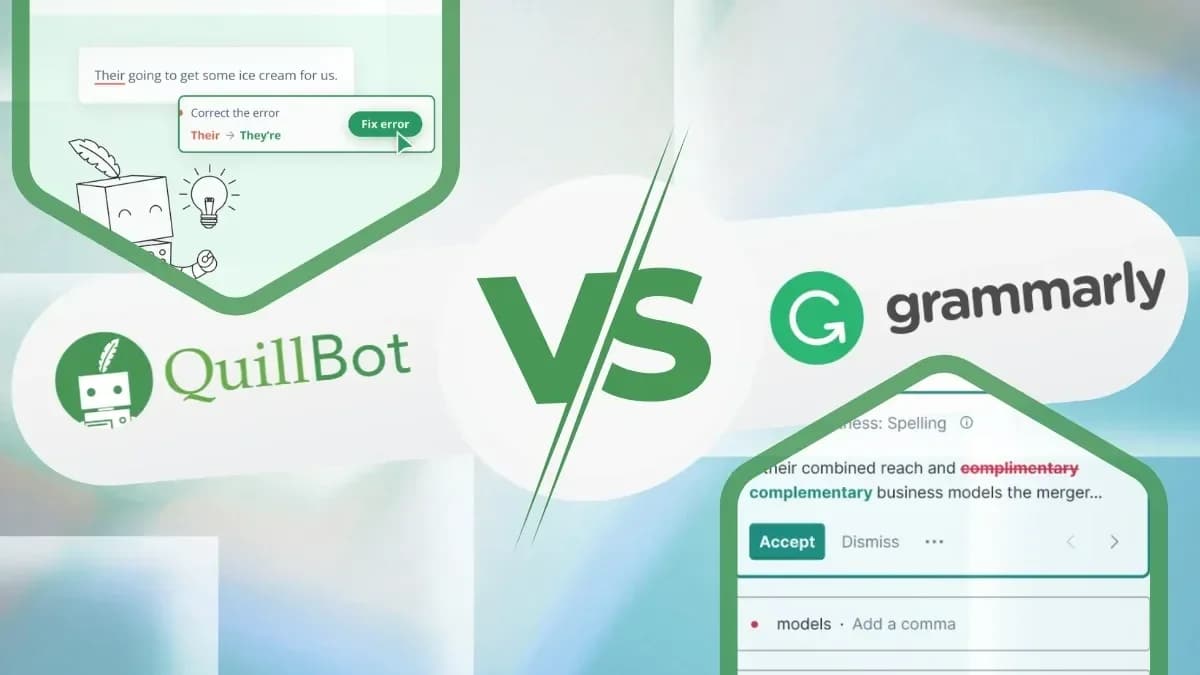
The writing assistance software market presents two distinct philosophies in content refinement: comprehensive grammar correction versus advanced text transformation. Grammarly positions itself as the definitive solution for grammatical accuracy and style enhancement, while QuillBot champions paraphrasing flexibility and content summarization. This fundamental difference shapes every aspect of their feature sets, pricing models, and target audiences.
Understanding the Core Platforms
Both tools serve writers seeking to improve their content quality, but they approach this goal through markedly different methodologies. Grammarly builds its reputation on identifying and correcting grammatical errors while simultaneously offering style suggestions. QuillBot, conversely, focuses primarily on text restructuring and condensation, with grammar checking as a secondary feature.
QuillBot's Approach to Content Enhancement
QuillBot operates as a comprehensive text transformation platform, offering nine distinct writing modes that allow users to adjust both stylistic and tonal elements of their content. The platform supports 52 languages for paraphrasing, making it particularly valuable for multilingual content creators and international teams.
The platform's core strengths include:
- Grammar Checker: Scans text for grammatical mistakes before finalizing polished written work
- Text Paraphrasing System: Offers various formatting options including Standard, Fluency, Formal, and Shorten modes
- Summarizer: Provides rapid document compression, creating concise yet accurate summaries
- Plagiarism Checker: Scans work for potential duplicate content
- Citation Generator: Automatically converts citations into correct referencing standards
QuillBot's flexible paraphrasing and summarization capabilities save considerable time during drafting phases. The multiple modes enable writers to vary tone and style effectively, though results sometimes lack nuance, requiring careful proofreading that professional iGaming content agencies implement to ensure accuracy.
52
Languages supported for paraphrasing
9
Distinct writing modes available
250
Different grammar errors detected by Grammarly
10,000
Characters per plagiarism check (Grammarly)
25,000
Monthly word limit for plagiarism checking (QuillBot)
500,000
Applications and websites supported by Grammarly
2000
AI prompts included in Grammarly Pro
$9.95
QuillBot Premium monthly price
$12
Grammarly Pro monthly price
Grammarly's Grammar-First Philosophy
Grammarly emphasizes creating texts that are both concise and direct, enhancing tone quality, brevity, and word selection. The application's extensive platform support enables writers to maintain excellent writing standards across all digital content creation endeavors.
Grammarly's primary benefits encompass:
- Grammar and Spell Check: Identifies errors before work reaches completion
- Repetition Reduction: Provides recommendations to eliminate repetitive words while maintaining straightforward language
- Tone Adjustment: Enables formal or casual tone setting through guided features
- Plagiarism Detection: Compares content against numerous databases to verify originality
- Wide Integration: Works with platforms like Gmail and Google Docs, enabling confident writing across web applications
Grammarly functions as a reliable tool for quick daily draft revision. The grammar checking and integration capabilities make everyday editing straightforward, though it sometimes oversimplifies style, positioning it more as an assistant than a final editor.
Integration Best Practice
Grammarly's extensive platform support enables writers to maintain excellent writing standards across all digital content creation endeavors. The tool works seamlessly with Gmail and Google Docs, making everyday editing straightforward for professional teams.
Six Critical Distinctions Between Platforms
The team has conducted extensive testing of both platforms across key parameters, revealing significant differences in approach and capability.
Grammar Checking Superiority
Grammarly demonstrates exceptional efficiency in revealing grammatical and punctuation problems. The program detects 250 different errors in rapid succession, utilizing advanced style-relevant recommendation engines to refine writing while maintaining accuracy.
The tool provides precise error detection, making it suitable for professional proofreading situations. It highlights missing letters, incorrect punctuation marks, and grammatical errors in words, plus identifies lexical inaccuracies such as British versus American English confusion.
QuillBot includes a grammar checker, but with more basic functionality. It may overlook minor mistakes that Grammarly would detect, such as nuanced errors and homophones. However, for comprehensive grammar checking requirements, QuillBot may prove insufficient.
Important
Grammarly emerges as the superior solution for grammar verification purposes, with its thorough error detection and sophisticated suggestions making it the preferred choice in this domain.
Paraphrasing and Rewriting Capabilities
QuillBot's paraphrasing functionality represents its strongest feature. Supporting 52 languages, it offers Standard, Creative, Fluency, and five additional writing modes. These modes enable text rephrasing according to various vocal and stylistic preferences, complemented by a summarizer tool that transforms lengthy texts into brief outlines.
Grammarly's paraphrasing capabilities lack this level of detail and don't offer extensive paraphrasing styles. However, the program guides users in enhancing sentence clarity and assists in content revision through its generative AI features. For comprehensive paraphrasing demands, alternative solutions may be necessary.
QuillBot emerges as the exceptional option for paraphrasing and rewriting, with users selecting it as their primary rephrasing tool due to its comprehensive feature set and multiple operating modes.
Plagiarism Detection Approaches
Grammarly features a powerful plagiarism checker that searches text against billions of web pages, allowing proofreading of up to 10,000 characters per check. This ensures thorough and precise detection of plagiarized content, making it valuable for authors requiring original work verification.
QuillBot also provides plagiarism checking, but with limitations. It's subscription-only with a monthly limit of 25,000 words. Results are visible only with an active subscription, potentially limiting users who need multiple text checks.
For plagiarism detection, Grammarly offers better budget value with unlimited access and vast scanning ability, providing comprehensive plagiarism checking solutions. While QuillBot's detection algorithms may be stronger, the inability to view results without a subscription presents a significant drawback.
Subscription Limitations
QuillBot's plagiarism detection presents a significant drawback with subscription-only access and a monthly limit of 25,000 words. Results are visible only with an active subscription, potentially limiting users who need multiple text checks compared to Grammarly's unlimited scanning capability.
Additional Writing Support Features
Grammarly provides access to tools that strengthen writing style, including Proofreader, AI Grader, Citation Finder, AI Detector, and Text Humanizer. The platform offers a comprehensive writing assistance package with style improvement features, tonality enhancement, and clarity tools.
QuillBot's primary strength lies in its diverse translation options. Through SEO optimization tools, the system enhances content for improved search engine rankings. Writing support capabilities include AI Detector features similar to what Smodin.io offers, AI Humanizer, Summarizer, and Citation Generator.
Grammarly delivers more comprehensive writing assistance than QuillBot, with superior style improvement features and clarity enhancement tools.
Integration and Platform Compatibility
The Grammarly platform supports more than 500,000 applications and websites, including Google Docs, Microsoft Word, and various social media platforms. Grammarly distributes its editor across multiple platforms via browser extensions for Chrome, Firefox, Safari, and Edge.
QuillBot integrates with Google Docs, Microsoft Word, Chrome, and Slack, providing solid but more limited compatibility.
Grammarly's integration abilities exceed QuillBot's, supporting significantly more applications and websites with vast compatibility extending across different platforms.
Subscription Pricing Models
Both tools offer free and paid versions with distinct pricing strategies.
Grammarly pricing structure includes:
- Free: Write without mistakes, view writing tone, generate text with 100 AI prompts
- Pro: Rewrite full sentences, generate text with 2,000 AI prompts, detect plagiarism and AI-generated text, get instant citations in MLA, APA, and Chicago formats
- Enterprise: Pro features plus dedicated support, BYOK encryption, data loss prevention, and unlimited AI prompts
QuillBot offers two pricing plans:
- Free: Paraphrase up to 125 words, utilize two paraphrasing modes, create basic summaries, AI Detector limited to 1200 words or fewer
- Premium: Unlimited text paraphrasing, custom summaries, advanced proofreading, unlimited paraphrasing modes, plus Google Chrome, Microsoft Edge, macOS, Word, and Android integrations
For budget-conscious users, QuillBot's Premium plan at $9.95 per month proves more affordable. However, Grammarly's Pro plan at $12 per month offers broader features that may justify the higher price for some writers.
Warning
While QuillBot offers more affordable entry-level pricing at $9.95 per month, organizations should carefully evaluate feature requirements. Grammarly's comprehensive feature set at $12 per month may provide better long-term value for teams requiring extensive writing support across multiple platforms.
Comprehensive Feature Comparison
| Feature | Grammarly | QuillBot |
|---|---|---|
| Grammar Checking | Sophisticated grammar and spelling functions with instantaneous tips and thorough explanations | Basic grammar checker finding simple errors with limited real-time feedback |
| Paraphrasing | GrammarlyGO with sentence improvement advice and text rephrasing capabilities | 9 main paraphrasing modes including Standard, Creative, and Fluency, plus separate summarizing tool |
| Plagiarism Checker | Unlimited text scanning against billions of web pages with premium access | Premium subscription only, 25,000 words monthly limit |
| Writing Support | Style, clarity, vocabulary, and tone improvement through automatic tone detection | Tone assistance through paraphrasing tools and SEO optimization functions |
| Integration | Over 500,000 apps and websites including social media programs, browser extensions for multiple browsers | Google Docs, Microsoft Word, Chrome integration |
| Pricing | Premium packages start at $12 monthly with annual billing, unlocking style recommendations, tone correction, plagiarism examination | Premium subscriptions begin at $9.95 monthly for unlimited paraphrasing, grammar checks, 25,000 word plagiarism limit |
| Best For | Writers needing advanced grammar checks, style enhancement, broad integration features | Users focusing on content composition, summarization, fundamental grammar correction |
Strategic Decision Framework for Content Teams
The choice between these platforms depends entirely on primary writing objectives and workflow requirements. Organizations prioritizing grammatical accuracy and comprehensive style enhancement should lean toward Grammarly's sophisticated error detection and extensive integration capabilities.
Content teams regularly repurposing existing material or working across multiple languages will find QuillBot's paraphrasing flexibility and summarization tools more aligned with their operational needs. The platform's nine writing modes enable consistent tone variation while maintaining content quality.
Budget considerations also play a crucial role. While QuillBot offers more affordable entry-level pricing, Grammarly's comprehensive feature set may provide better long-term value for organizations requiring extensive writing support across multiple team members and platforms.
How to Choose the Right Writing Assistant Platform
Assess Primary Writing Needs
Determine whether your team prioritizes grammatical accuracy and style enhancement (Grammarly) or content repurposing and paraphrasing (QuillBot)
Evaluate Integration Requirements
Consider platform compatibility needs - Grammarly supports over 500,000 applications while QuillBot offers more limited integration options
Analyze Budget Constraints
Compare pricing models with QuillBot Premium at $9.95 monthly versus Grammarly Pro at $12 monthly, factoring in feature value
Test Language and Mode Requirements
For multilingual content or varied writing styles, evaluate QuillBot's 52 language support and 9 writing modes against Grammarly's grammar-focused approach
Grammarly emerges as the superior solution for grammar verification, detecting 250 different errors with sophisticated suggestions. QuillBot's grammar checker is more basic and may overlook nuanced errors that Grammarly would catch.
Yes, QuillBot supports 52 languages for paraphrasing, making it particularly valuable for multilingual content creators and international teams. It offers nine distinct writing modes including Standard, Creative, Fluency, and Formal options.
Grammarly offers unlimited plagiarism scanning against billions of web pages with up to 10,000 characters per check. QuillBot requires a premium subscription and limits users to 25,000 words monthly, with results only visible to subscribers.
QuillBot Premium at $9.95 per month is more affordable than Grammarly Pro at $12 monthly. However, the choice depends on feature requirements, as Grammarly's comprehensive writing assistance may justify the higher price for professional teams.
Grammarly supports over 500,000 applications and websites including Google Docs, Microsoft Word, and social media platforms with browser extensions for Chrome, Firefox, Safari, and Edge. QuillBot offers more limited integration with Google Docs, Microsoft Word, Chrome, and Slack.
According to We-Right Factory.